

1 in stock
13.3 Dual-Screen Portable Laptop Monitor Extender | 1080P IPS Triple Display Attachment | Foldable & Travel-Friendly
13.3 Dual-Screen Portable Laptop Monitor Extender | 1080P IPS Triple Display Attachment | Foldable & Travel-Friendly
Couldn't load pickup availability
ScreenMate is suitable for monitors and laptops between 13.3inches and is compatible with most operating systems such as Mac, PC, Chrome, Windows, Linux, Android, PS4, Xbox, Switch, etc. (Please make sure your laptop ports have 2 USB-C or 1 USB-C and at least 1 HDMI.)
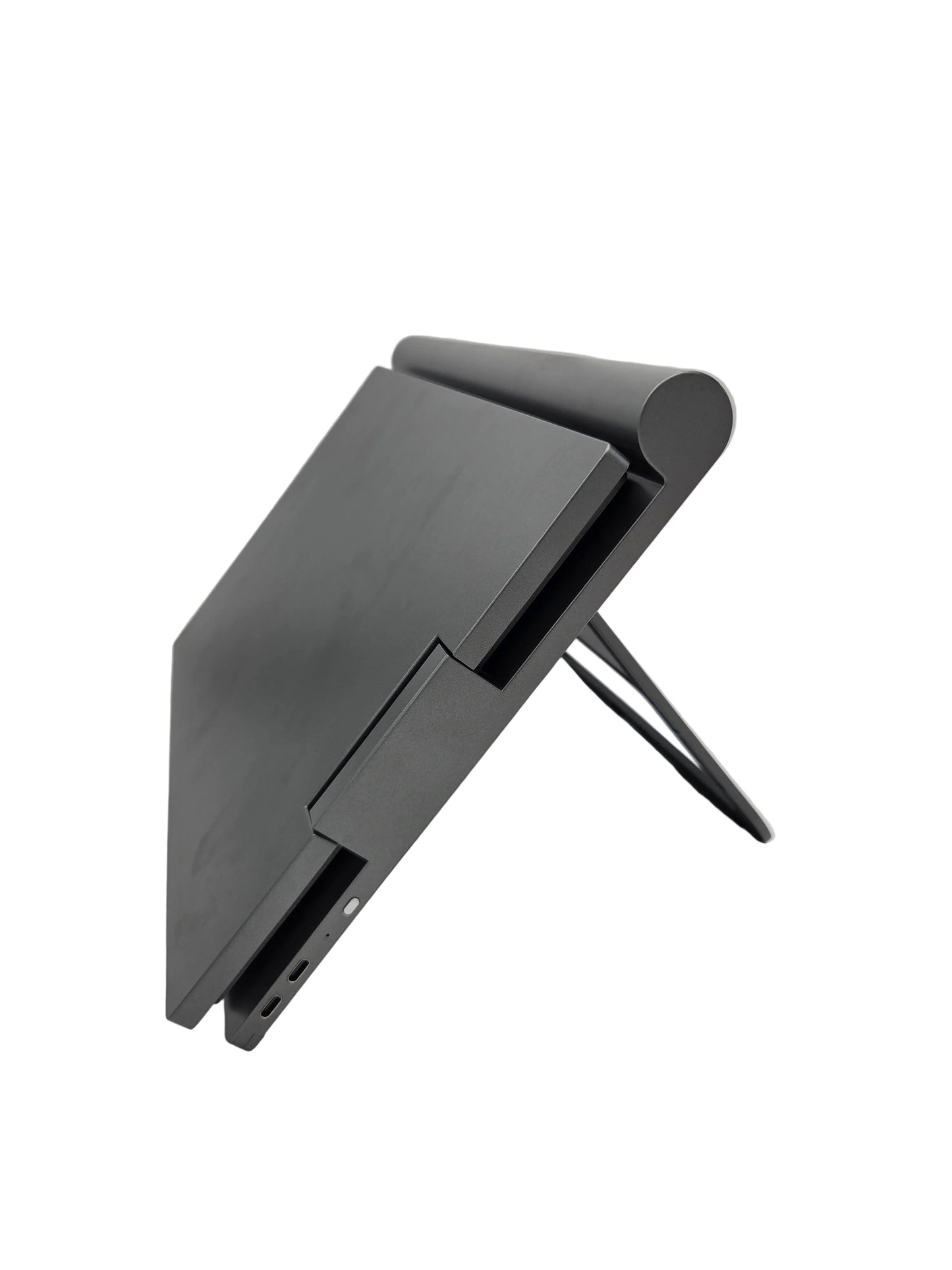
Easy to Use Design with Stable and Expandable Bracket.
ScreenMate Portable Monitor Triple Screen Display 13.3 inch can be easily slipped into the laptop frame without any other accessories. It comes with a retractable stand, located at the bottom of the extended screen, preventing your computer monitor from being pressed to a damaging angle.
(Note! Please make sure your laptop ports have 2 USB-C or 1 UBS-C and at least 1 HDMI.)
Specifications of the ScreenMate Portable Monitor Triple Screen Display:
- Screen size: 16:9, IPS, 13.3inchx2 IPS full view
- Resolution: 1920x1080
- Colour temperature: 6800K
- Viewing angle: 178
- Contrast: 1000:1
- Colour gamut: SRGB 72%
- Frequency: 60HZ
Features of the ScreenMate Triple Screen Display Extender:
- Support Windows and macOS system
- One cable connects three monitors
- Show on the same screen: supporting LAPTOP PC display on the same screen.
- Supports the multi-screen display of notebook and desktop computer
- Supports Type-C One-Line video and audio transfer
- Supports Type-C to USB-A one-line video and audio transfer
- OSD language: English, German, French, Italian, Spanish, etc.
- Operate with Ease and Convenience
- As long as you have one USB 2.0 port and one HDMI port, you can operate ScreenMate using the adapter that comes with it. The screens plug into an external power source using the included power adapter.